

What a shared folder leaves out
- No numbered release: a replaced file overwrites the old one.
- No record of who opened or downloaded a file.
- No control over who may download and who may only look.
- The client sees a list of tiles and has to guess which to load.
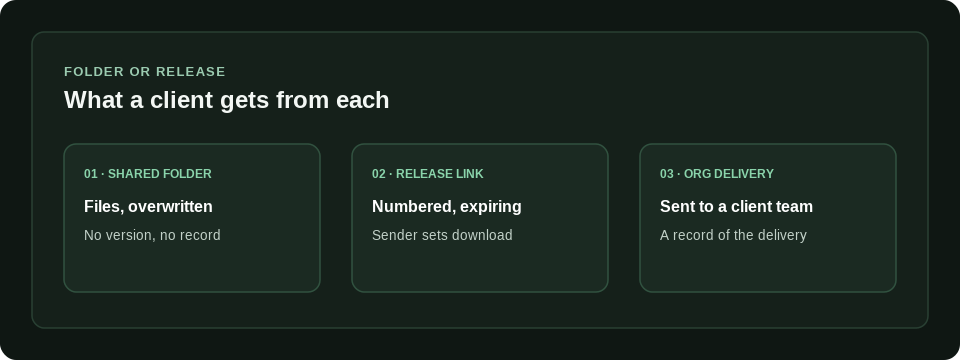
Scroll sideways to see the whole diagram
Open full sizeWhat to use instead
Publish a versioned release, then send it as an expiring browser link or as an organisation delivery. The sender chooses per link whether the recipient may download, and can revoke the link.
Large files need a limit you can quote. The maximum file size is part of your plan, so read it on the pricing page before you promise a size to a client.
See how replacing email and Drive works
Compare link and organisation delivery
Keep the raw captures at home
Publish the cleaned deliverables clients review and keep multi-terabyte raw captures in your own archive. The LiDAR guide shows what to send.